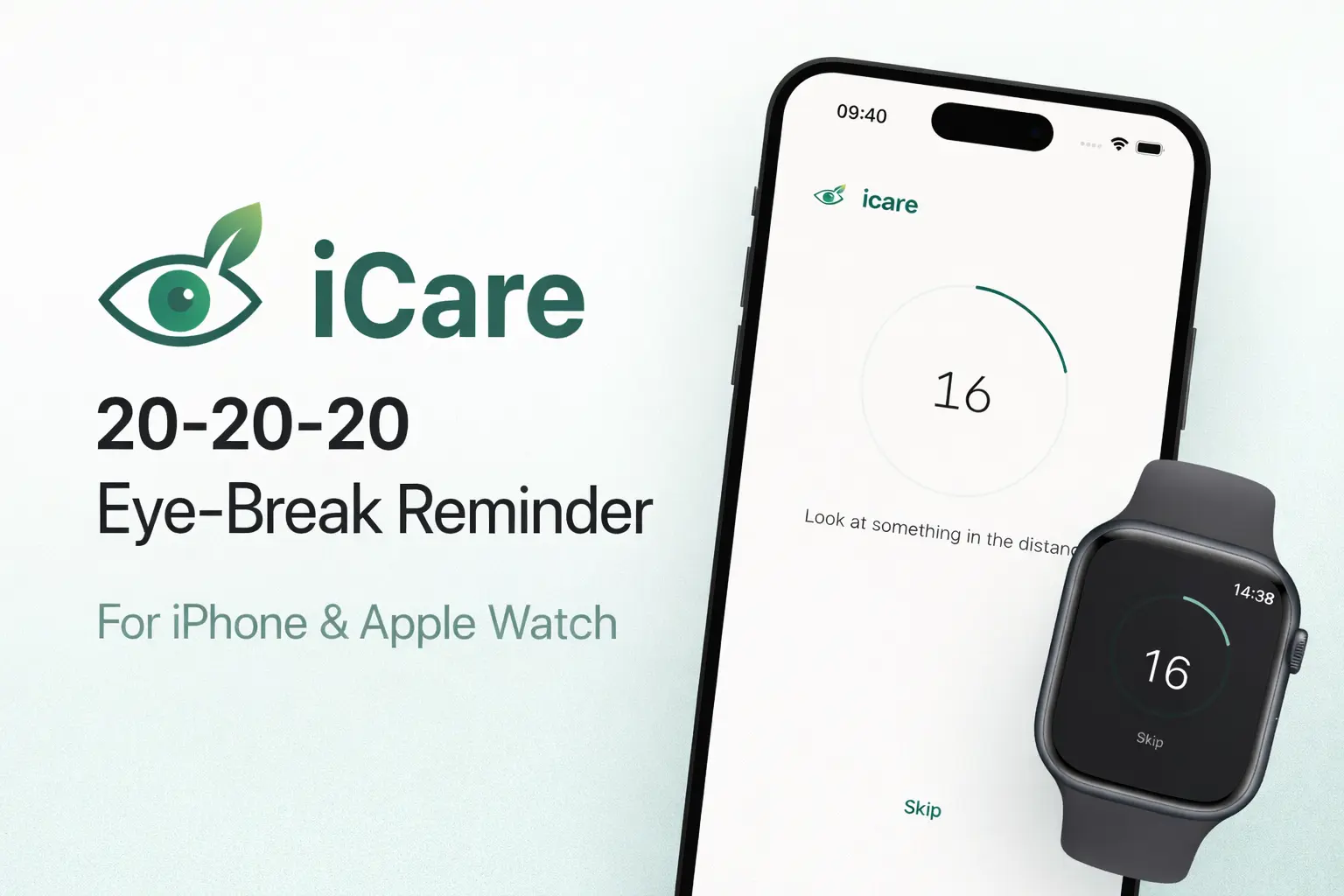
iCare: A free 20-20-20 eye-break reminder for iPhone and Apple Watch
I spend most of my day staring at a screen. That's not a complaint, it's just the job. But after long stretches of focused work I started noticing dry eyes, headaches, and that general foggy feeling by the end of the afternoon. The fix is stupidly simple: every 20 minutes, look at something 20 feet away for 20 seconds. It's called the 20-20-20 rule and optometrists have been recommending it for years.
The problem isn't knowing about the rule. It's actually remembering to do it when you're deep in a problem.
Every existing app wanted my money or my patience
I tried a handful of 20-20-20 apps on the App Store. Some were fine but charged a subscription for what is essentially a repeating timer. Others were bloated with gamification, streaks, wellness dashboards, and meditation upsells bolted onto what should be a 20-second break. A few were genuinely abandoned, crashing on launch or stuck on an iOS version from two years ago.
None of the ones I found supported Apple Watch. That was the real dealbreaker. If I'm deep in code and my phone is on silent across the room, a notification I never see doesn't help. A gentle tap on my wrist actually gets my attention without breaking flow.
So I built one.
What it does
iCare does exactly one thing: remind you to take eye breaks on a schedule, then count you through them.
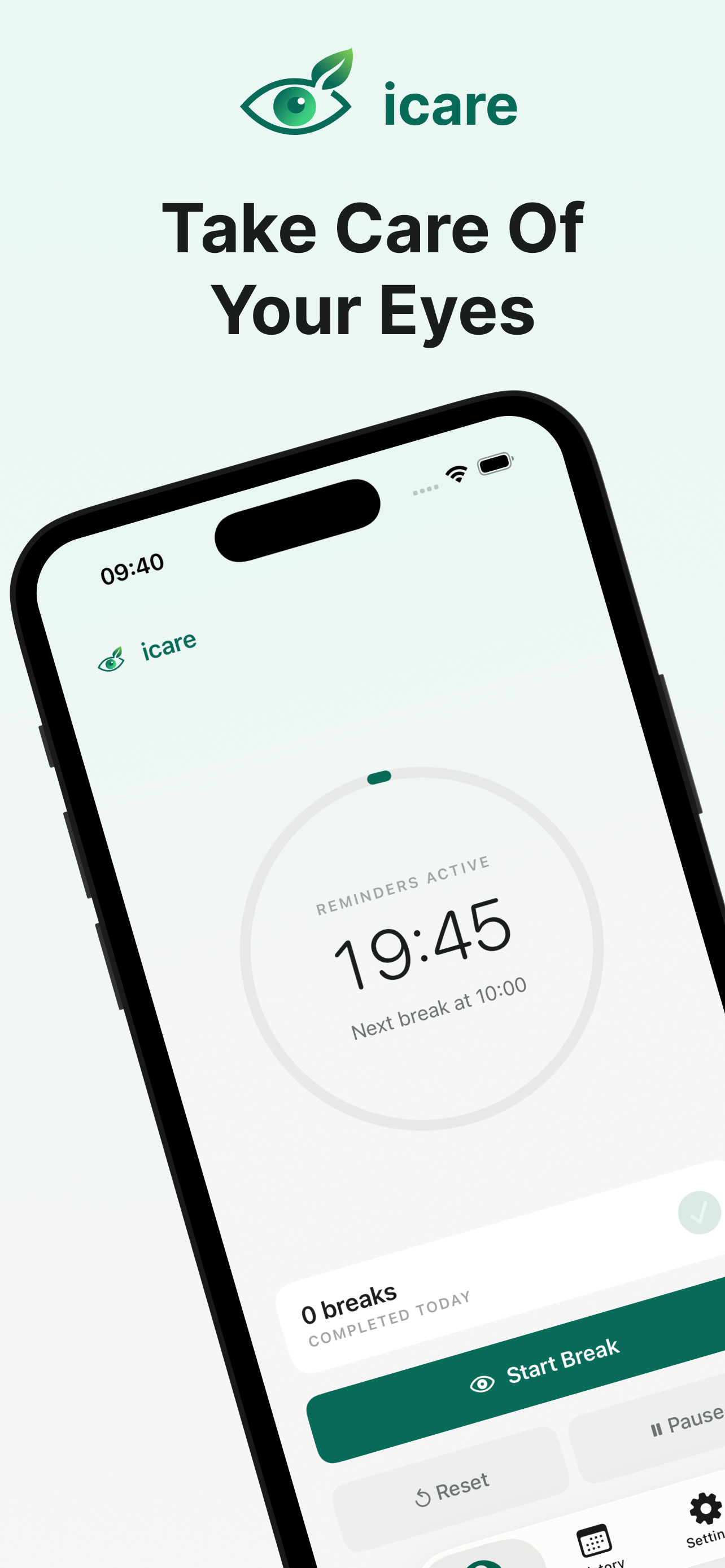
The home screen shows a circular timer counting down to your next break. When it fires, you get a notification with three options: start the break, snooze it, or skip it entirely. Tapping "start" opens a 20-second countdown that tells you to look at something in the distance. That's the whole interaction.
Beyond that:
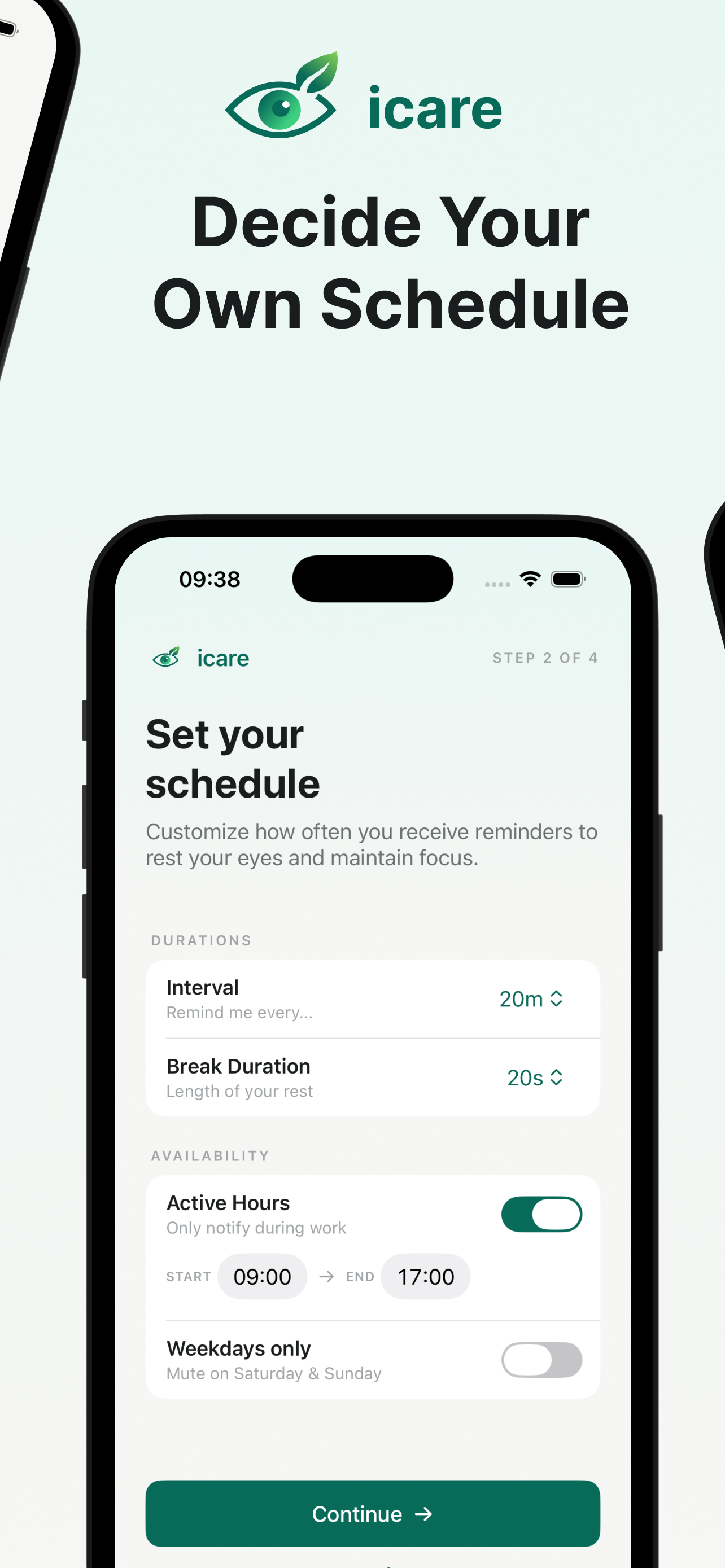
- Configurable interval from 15 to 45 minutes, so you can tune it to how you work
- Adjustable break duration between 10 and 30 seconds
- Schedule controls with active hours and weekdays-only mode, so it stays quiet evenings and weekends
- Pause, snooze, skip so you're always in control without disabling the whole thing
- Today's history showing completed and skipped breaks at a glance
Apple Watch is what makes it actually useful
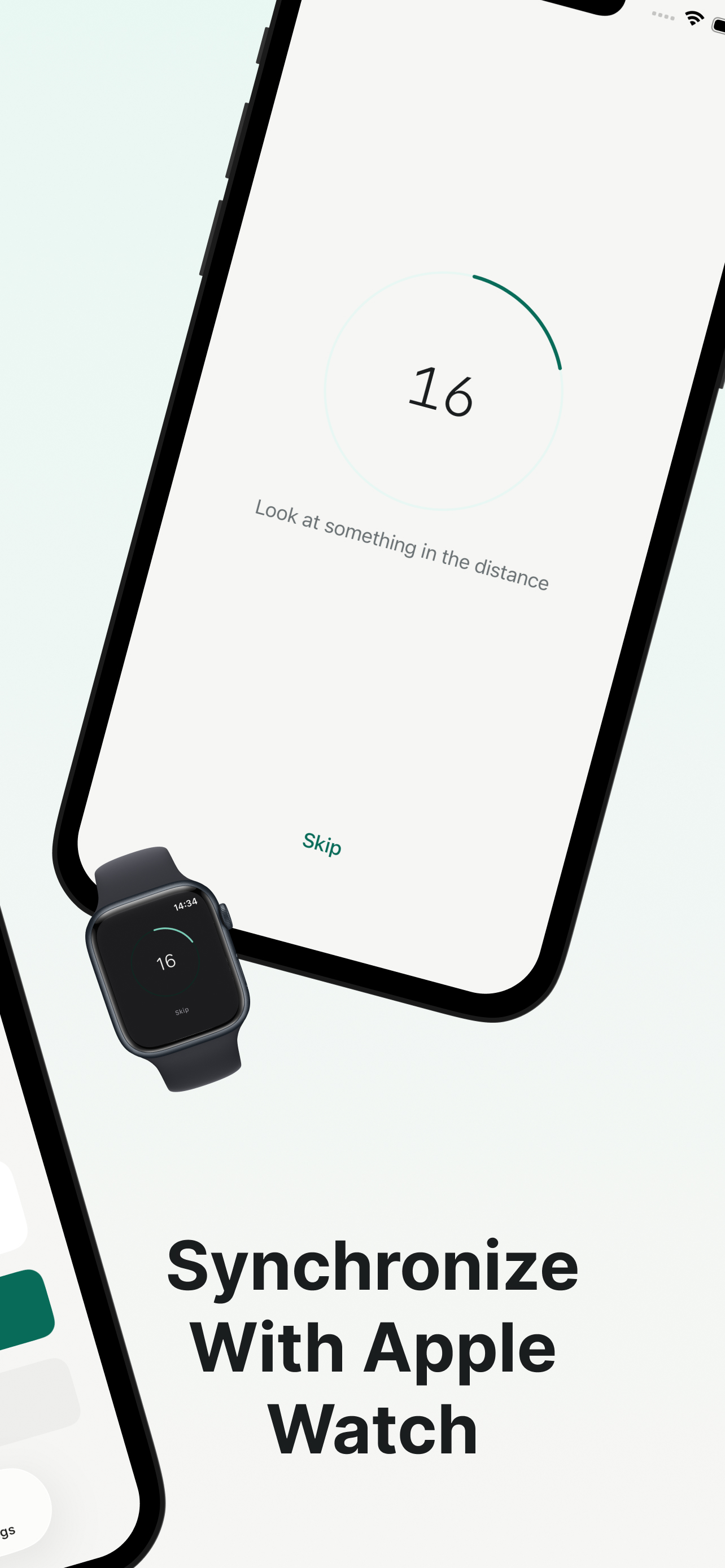
The Watch companion was the main reason I built this instead of just setting a recurring timer. Reminders arrive as a haptic tap on your wrist, subtle enough that it doesn't interrupt a meeting or a conversation, but noticeable enough that you won't miss it.
You can start the countdown directly from the Watch notification. The phone and Watch stay in sync through WatchConnectivity, so starting a break on one device reflects on the other. Settings sync too, so you configure once and both devices stay aligned.
How it's built
iCare is a native SwiftUI app targeting iOS 17 and watchOS 10. I wanted it lean, so there are zero third-party Swift packages. Everything is built on Apple frameworks only.
The architecture is straightforward:
AppStateis the central observable model that owns scheduling, break state, notifications, and Watch syncReminderEnginehandles the interval math: next fire dates, active hours, weekday filtering, snooze logicNotificationCoordinatormanagesUserNotificationswith actionable categories (Start, Snooze, Skip)WatchSyncManagerbridges iPhone and Watch state viaWatchConnectivitySettingsStorepersists preferences inUserDefaultsthrough a shared App Group so both targets read the same data
There's also a Focus filter integration using App Intents. You can override reminder behavior per Focus mode, so your "Do Not Disturb" or "Sleep" focus can automatically pause reminders without you touching anything.
iCare/                 iPhone app (SwiftUI)
  App/                 Entry point and root navigation
  Features/            Home, Countdown, History, Settings, Onboarding
  Intents/             Focus filter (SetFocusFilterIntent)

iCareWatch/            watchOS app
  App/                 Entry point
  Features/            Home, Countdown, Notification scene

Shared/                Code shared between iPhone and Watch
  Models/              AppState, settings, break records
  Services/            ReminderEngine, NotificationCoordinator, WatchSyncManager
  DesignSystem/        Colors, typography, shared UI components
The project uses XcodeGen for project generation and Fastlane with GitHub Actions for CI/CD. Pushing a version tag triggers the full pipeline: code signing via Match, building via Gym, and uploading to App Store Connect.
Lessons learned
WatchConnectivity is more finicky than the documentation suggests. The Watch and phone don't always have an active session at the same time, and transferUserInfo queues messages that can arrive out of order or much later than expected. I ended up using sendMessage for real-time commands (like "start break now") and updateApplicationContext for settings sync, which overwrites rather than queues. Getting that split right took some trial and error.
Local notifications on iOS also have limits I didn't expect. You can only schedule 64 pending notifications at a time, which sounds like a lot until you realize a 20-minute interval across an 8-hour workday burns through 24 per day. The engine pre-schedules a rolling window and refreshes whenever the app comes to the foreground.
No accounts, no tracking, no subscription
iCare collects nothing. There's no analytics SDK, no backend, no account creation. Your settings and break history live in UserDefaults on your device and sync to your Watch through Apple's encrypted WatchConnectivity protocol. The privacy policy is short because there's nothing to disclose.
Charging a subscription for a timer that runs locally on your phone feels wrong. iCare is free.